
Run Claude Code and Codex in Parallel
Run Claude Code and Codex in parallel with separate Git worktrees. Follow the setup, split tasks, review each branch, and merge the results without losing work.
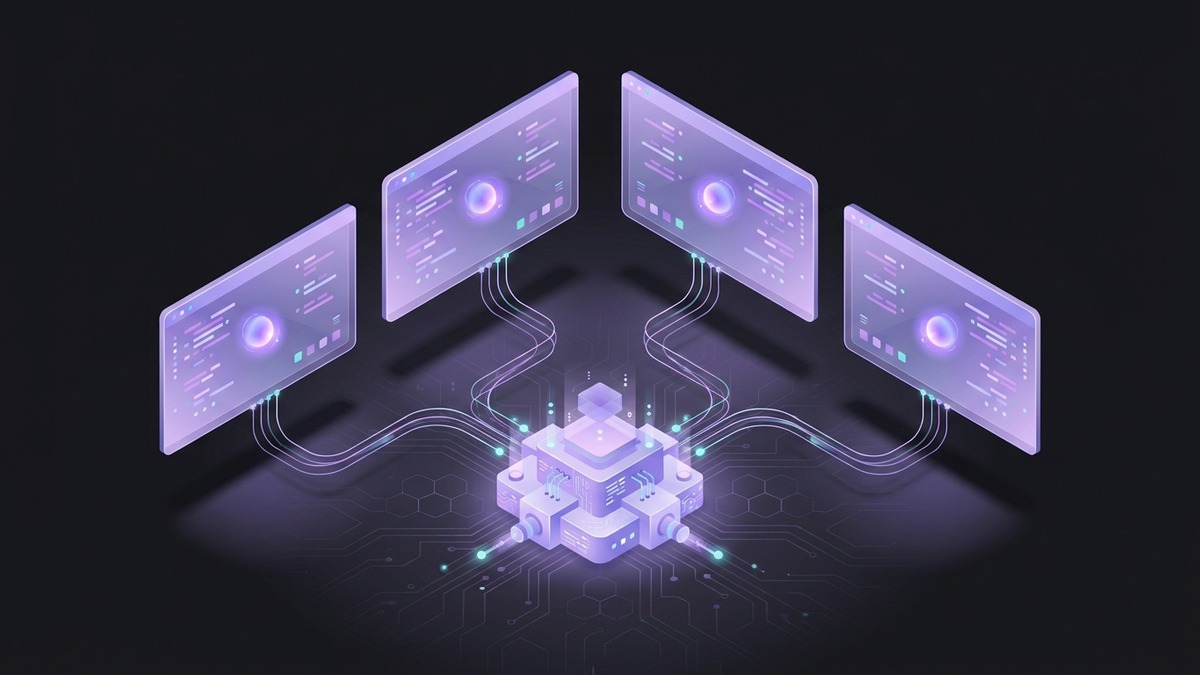
To run multiple AI coding agents in parallel, start each editing task in a separate working directory and branch. Claude Code can work on one task while Codex handles another. You review the branches separately, then test the combined result.
Start with two tasks that do not depend on each other. A bug fix and an unrelated documentation update are easier to manage than two agents changing the same API. More sessions also mean more work waiting for your review.
Before you start
You need a Git repository with at least one commit, plus working installations of Claude Code and Codex. Finish signing in to both before starting this walkthrough. Anthropic’s Claude Code setup guide and OpenAI’s Codex CLI guide cover installation.
The commands below create sibling directories called app-claude and app-codex. Choose different names if those directories or the example branches already exist. Start in your original repository and check git status. Commit or set aside your current changes: new worktrees start from a commit and will not include uncommitted edits.
Create a worktree for each agent
From the original repository, run:
git worktree add -b agent/claude ../app-claude HEAD
git worktree add -b agent/codex ../app-codex HEAD
git worktree list
Both branches start at the same commit. Each directory has its own working files and Git index. For details on shared history, dependencies, and cleanup, see our Git worktrees guide.
In one terminal, starting from the original repository:
cd ../app-claude
claude
In a second terminal, also starting from the original repository:
cd ../app-codex
codex
You now have two sessions on separate branches. Worktrees separate the files each session normally edits; they are not a security sandbox. An agent’s configured permissions still determine whether it can access other directories or services.
Give each session a bounded task
Here is an example task split for a project with a web interface and a separate installation guide. Adapt the paths and checks to your repository.
For Claude Code:
Fix the navigation menu overflowing on narrow screens.
Work in src/components/navigation/ and its existing tests.
Keep the desktop layout intact. Run the relevant checks.
Before committing, summarize the changed files and test results.
If you need to change a shared file outside this scope, ask first.
For Codex:
Update docs/installation.md to match the existing setup scripts.
Check every command against package.json and the scripts directory.
Edit documentation only. Do not change application code or dependencies.
Before committing, show the diff and flag any step you could not verify.
These prompts describe an example, not a benchmark. The useful part is the boundary: each task has a small set of files, a way to check the result, and a point at which the agent should ask for direction.
Avoid assigning tests for a new feature to a second agent before the first has settled the interface. When tasks depend on each other, finish and review the first change, then start the next from that commit.
Set up dependencies and local services
A new worktree does not automatically have your ignored configuration or installed dependencies. Follow the project’s setup instructions in each directory. For a Node project with a committed npm lockfile, that may mean running npm ci in both.
Give concurrently running dev servers different ports. Use separate test databases when either session may run migrations or modify fixtures. Two branches can have perfectly separate source files and still interfere through the same database.
Pass only the configuration each task needs. A documentation-only session generally does not need a running backend or production credentials.
Review and merge one branch at a time
When a task is ready, review its uncommitted diff and test results in that worktree. Commit the accepted changes on its branch. Once both branches have commits to review, return to the original repository:
git log --oneline HEAD..agent/claude
git diff HEAD...agent/claude
The three-dot diff shows changes since the branches’ common ancestor. It does not include uncommitted edits in the agent’s directory.
Merge the accepted branch into your intended integration branch, then run the project’s checks:
git merge --no-ff agent/claudeReview the second branch against the updated integration branch before merging it:
git diff HEAD...agent/codex
git merge --no-ff agent/codex
Run the checks again on the combined result. A clean Git merge does not prove the two changes work together. If there is a conflict, resolve it before continuing; do not let a second merge hide an unfinished first one.
After both branches are merged and the agent sessions are closed:
git worktree remove ../app-claude
git worktree remove ../app-codex
git branch -d agent/claude agent/codex
Run multiple Claude Code sessions instead
If both tasks suit Claude Code, it has a built-in shortcut. Run each command from your original repository in a separate terminal:
claude --worktree navigation-fixclaude --worktree installation-docsClaude creates a worktree for each session. Its exit prompts depend on whether the session is named and whether work remains, so read them before choosing to remove anything. Anthropic documents the behavior in Run parallel sessions with worktrees.
Manage the sessions in Pivio
Pivio’s Claude Code GUI keeps agent panes, an editor, and a browser in one desktop workspace. You can run Claude Code alongside Codex or OpenCode and use the Worktrees panel to keep track of their branches.

A shared interface makes the sessions easier to follow. You still need to choose task boundaries and review the result. Keep independent editing tasks in separate worktrees even when their panes sit next to each other.
Frequently asked questions
Can Claude Code and Codex work on the same repository?
Yes. Give each editing task a separate worktree and branch. The repository history is shared, while the working files are separate. Merge accepted changes through your usual review process.
Does running agents in parallel avoid merge conflicts?
No. Worktrees reduce interference during editing, but branches can still conflict when merged. Changes can also be logically incompatible without producing a Git conflict. Test the combined result.
How many coding agents should I run at once?
Start with two. Add another when you can keep up with reviews and have another independent task ready. If completed branches are waiting on you, another agent is unlikely to help with that queue.
Do parallel sessions share usage limits?
Sessions using the same provider account can draw from the same allowance. Separate panes or worktrees do not create additional usage entitlement. Check the account’s usage report before starting several long-running tasks.