
Best AI Coding CLI Tools: 6 Options Compared
Compare six AI coding CLI tools, including Claude Code, Codex, and OpenCode. See how they fit your workflow and what to check before committing to a paid plan.
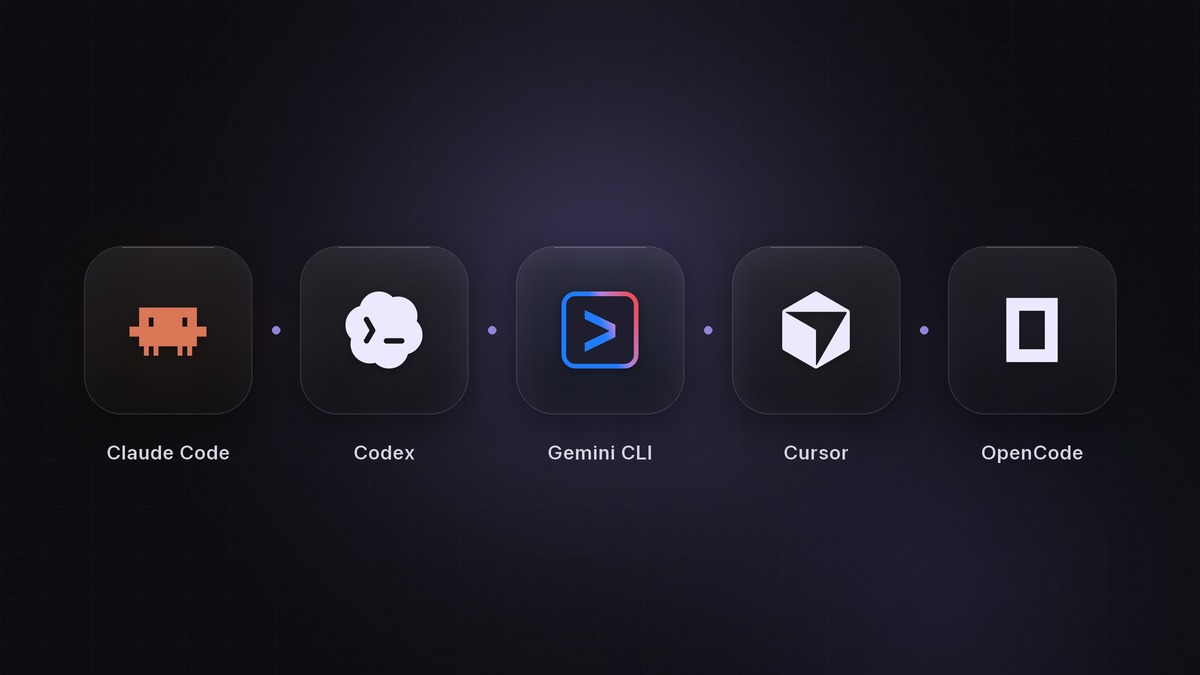
Claude Code, Codex CLI, Gemini CLI, OpenCode, Aider, and Cursor CLI all bring AI-assisted coding into the terminal. They differ in provider access, interaction style, and how they fit the tools you already use.
Choose a starting point based on your existing account and a task you can verify. If you already use Claude, try Claude Code. If you use ChatGPT, check your Codex access. OpenCode and Aider are worth considering when choosing your own model provider matters more than staying within one vendor’s interface.
This is a comparison of documented features, not a speed or accuracy ranking. We build Pivio, a desktop app that runs several of these CLIs, and explain its role below.
The tools at a glance
| Tool | A reason to try it | What to check first |
|---|---|---|
| Claude Code | You want Anthropic’s coding workflow in your terminal | Supported account, permissions, and project setup |
| Codex CLI | You want OpenAI’s agent working in a local repository | Sign-in method, allowance, and permission profile |
| Gemini CLI | You want a terminal workflow around Google’s Gemini models | Authentication method and its applicable quota |
| OpenCode | You want to choose among model providers | Provider credentials, model support, and billing |
| Aider | You want a conversational workflow with Git integration | Model configuration and automatic commit behavior |
| Cursor CLI | You already use Cursor and want a terminal interface | Account access and interactive versus script usage |
Claude Code
Claude Code can inspect a repository, edit code, and run commands as part of a task. It has configurable permissions and supports separate worktree sessions for parallel changes.
It is a reasonable starting point if you already use Claude and want to stay with Anthropic’s tooling. Begin with a focused change and inspect the resulting diff. Neither a long context window nor a detailed explanation substitutes for checking the code.
Our Claude Code vs Codex comparison covers the account and workflow decisions between those two tools.
Codex CLI
Codex CLI works against a local directory and can inspect files, make edits, and run your existing development tools. It supports interactive sessions as well as scripted workflows.
Check which authentication method you intend to use. ChatGPT sign-in and API-key access have different billing paths. If you already have access through your account, a small repository task is a useful way to evaluate it before buying more capacity.
Gemini CLI
Gemini CLI is Google’s terminal coding agent. Its documentation covers local project work, configuration, and extensions.
Pay attention to the authentication options. A personal Google login, an API key, and a cloud setup can come with different requirements and quotas. Check the option you will actually use rather than assuming every installation shares the same free allowance.
OpenCode
OpenCode offers a terminal interface with support for different model providers. Its provider configuration is the relevant starting point if you want to choose where inference runs.
That flexibility also leaves decisions with you: which model to use, what credentials it needs, and how usage is billed. Test the particular provider and model combination you plan to keep. An interface supporting several providers does not make their models interchangeable on every coding task.
Aider
Aider’s Git integration can commit changes it makes and provides commands for reviewing or undoing work. It is worth trying if you prefer a conversational editing workflow with frequent Git checkpoints.
Read the commit settings before starting. Automatic commits can be useful, but you still need to review what they contain and understand how they interact with your own uncommitted work.
Cursor CLI
Cursor CLI brings Cursor’s agent into a terminal. It supports interactive use and print mode for scripts, with Agent, Plan, and Ask modes for different kinds of work.
If your team already uses Cursor, try it on a routine task outside the editor. For automation, decide what the job may edit and which checks will determine whether its output is accepted.
How to choose an AI coding CLI
Pick one change you understand well enough to review: fix a reproducible bug, update an outdated setup guide, or add a small feature with clear acceptance criteria. Keep the starting commit and task description when trying a second tool.
Compare the outcome using four questions:
- Did it solve the actual problem, including the edge case that prompted the task?
- Did it change unrelated files or behavior?
- How much explanation, correction, and manual repair did it need?
- What usage did the tool report, and did you reach an account limit?
Record model settings and permissions alongside the result. If you later repeat the comparison, those details make it possible to understand what changed. Repository stars and a polished demo do not answer these questions for your codebase.
When a second agent helps
A second session is useful when you have another independent task and time to review both results. It can be a second instance of the same CLI; you do not need a different provider for every task.
Keep editing sessions in separate working directories. Our parallel-agent guide shows a Claude Code and Codex setup with task boundaries, review steps, and cleanup.
If you spend more time finding the right terminal tab than following the work, a shared interface may help. Compare the approaches in our Claude Code orchestrator guide.
Where Pivio fits
Pivio is a desktop workspace for Claude Code, Codex, and OpenCode on macOS, Windows, and Linux. It puts agent sessions beside an editor, browser, and task board, with a Worktrees panel for managing branches.
Pivio does not supply the underlying models or their usage allowances. You use your own provider accounts. Choose the CLI that suits the task; Pivio gives you a place to follow several sessions together.
Frequently asked questions
What is the best AI coding CLI?
Choose based on the models and accounts you want to use, then compare results on your own repository. Start with a small task and judge the diff, the checks it ran, and how much correction you needed.
Is a free CLI free to use?
Not necessarily. Installing a client can be free while its model provider charges for usage. Check the selected account, authentication method, and model before starting a long task.
Can I run more than one coding CLI at a time?
Yes. Give independent editing tasks separate worktrees and review each branch before merging. Separate sessions can still share an account allowance, dev-server port, or database unless you configure them otherwise.